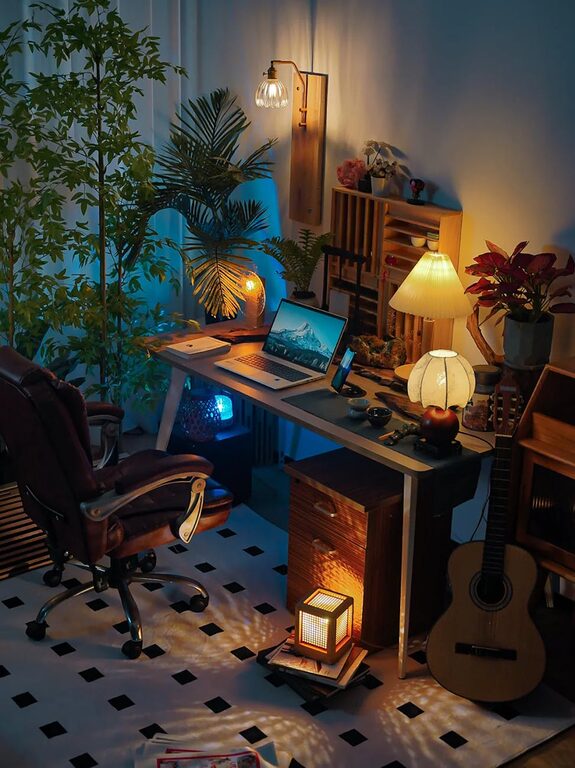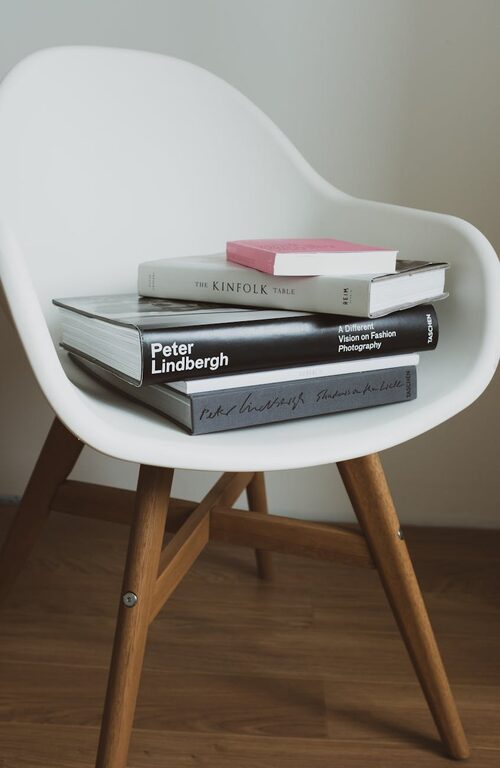
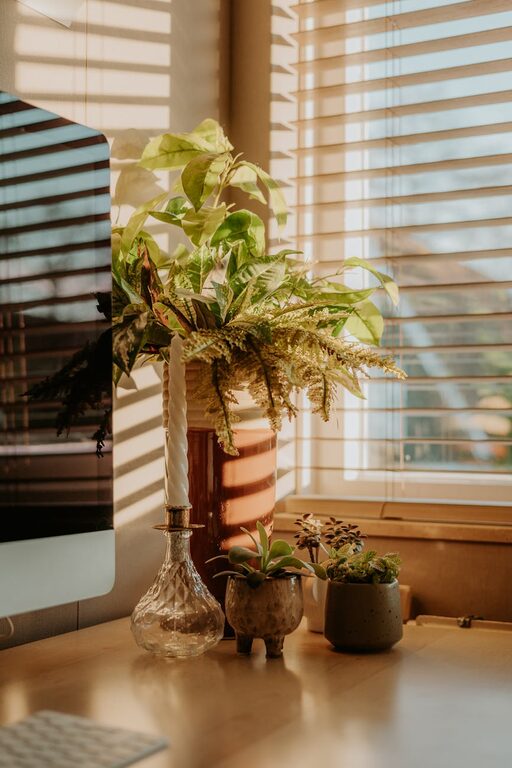
Creating a home office that balances comfort and productivity is essential for anyone working remotely or managing personal projects at home. A cozy workspace can help reduce stress and increase focus, while an organized environment supports efficient work habits. In this post, we’ll explore practical tips to help you design a home office space that feels inviting and motivates you to do your best work.
Choose the Right Location
Selecting a suitable spot in your home is the first step in creating an effective office space. Ideally, your workspace should be:
– Quiet and Private: To minimize distractions, pick a room or corner with limited foot traffic and noise.
– Well-lit: Natural light is best for reducing eye strain and boosting mood. Position your desk near a window when possible.
– Spacious Enough: Ensure there’s adequate room for your desk, chair, and necessary equipment without feeling cramped.
If space is tight, consider multipurpose furniture or using dividers to create a distinct work zone.
Invest in Comfortable Furniture
Comfort is key to maintaining focus and preventing physical discomfort during long work hours. When setting up your office:
– Choose an Ergonomic Chair: Look for adjustable height and good lumbar support to promote healthy posture.
– Select the Right Desk: The desk height should allow your hands to rest comfortably on the keyboard with elbows at roughly 90 degrees.
– Add Footrests or Cushions: These accessories can enhance comfort and reduce strain, especially if your chair or desk setup isn’t perfect.
A comfortable workspace not only helps your body but also encourages longer periods of productivity.
Organize Your Supplies and Equipment
A cluttered office can lead to distractions and decreased efficiency. To stay organized:
– Use Storage Solutions: Shelves, filing cabinets, and desk organizers keep supplies within reach but out of the way.
– Declutter Regularly: Take time weekly to clear off your desk and file paperwork.
– Manage Cables: Use cable clips or ties to keep cords tidy and prevent tangling and tripping hazards.
An organized setup makes it easier to find what you need and keeps the space visually calming.
Personalize Your Space
A workspace that reflects your personality can make the environment more enjoyable and inviting. Consider adding:
– Plants: Greenery can improve air quality and add a touch of nature.
– Art or Photos: Personal touches on the walls or desk brighten the space and inspire creativity.
– Comfort Items: A cozy throw blanket, cushions, or a favorite mug can make breaks more pleasant.
Just be mindful to avoid overdecorating, which could lead to distractions.
Optimize Lighting
Good lighting reduces eye fatigue and helps maintain alertness. Here’s how to improve your setup:
– Maximize Natural Light: Use blinds or sheer curtains to control glare while letting in daylight.
– Use Task Lighting: A desk lamp with adjustable brightness helps focus light where you need it.
– Avoid Screen Glare: Position your monitor to reduce reflections from windows and lamps.
Balanced lighting supports a comfortable working environment throughout the day.
Manage Noise and Distractions
Noise can disrupt concentration, but there are strategies to minimize its impact:
– Noise-Canceling Headphones: These help block out background sounds, especially in busy households.
– White Noise Machines or Apps: Gentle ambient sound can mask distractions and improve focus.
– Set Boundaries: Communicate with family or housemates about your work schedule to reduce interruptions.
A quieter space helps maintain a steady workflow and reduces stress.
Incorporate Break and Movement Areas
To stay energized, it’s important to take breaks and change posture regularly. Try to:
– Designate a Spot for Breaks: If space allows, use a chair or small area away from your desk to rest.
– Include Space for Stretching or Light Exercise: Even a few steps or stretches between tasks help circulation and refresh your mind.
– Use Reminders: Timers or apps can prompt you to stand, stretch, or move periodically.
Regular breaks improve productivity and reduce the risk of burnout.
Keep Technology Updated and Functional
Having reliable technology supports efficient work:
– Ensure Strong Internet Connection: Use wired connections or Wi-Fi extenders to maintain speed.
– Organize Devices Efficiently: Position monitors, printers, and chargers for easy access.
– Maintain Software and Hardware: Regular updates and maintenance prevent interruptions.
Smooth technology operation reduces frustration and keeps tasks moving.
Conclusion
Creating a cozy and productive home office is about balancing comfort with functionality. By choosing the right location, investing in ergonomic furniture, staying organized, personalizing your space, optimizing lighting, managing distractions, incorporating movement, and maintaining your technology, you pave the way for a workspace that supports your best work. Start with small changes and adjust based on what feels right for you. A well-designed home office not only boosts productivity but also makes working from home an enjoyable experience.