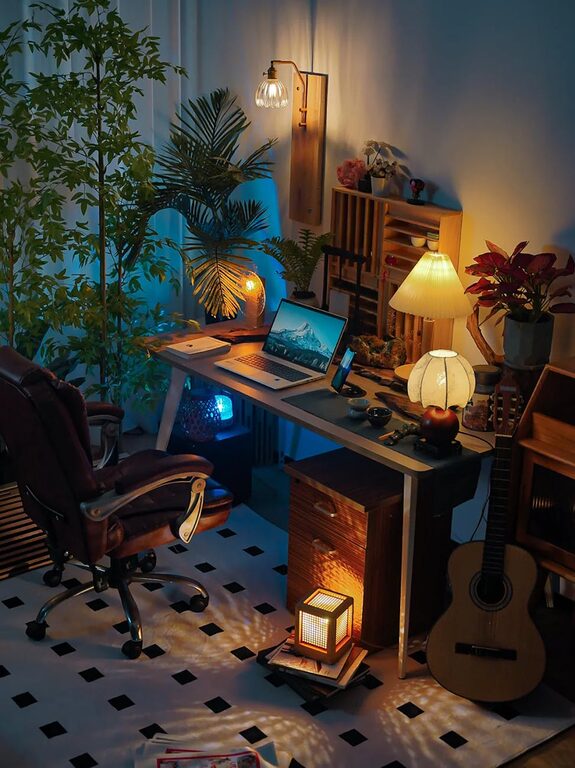
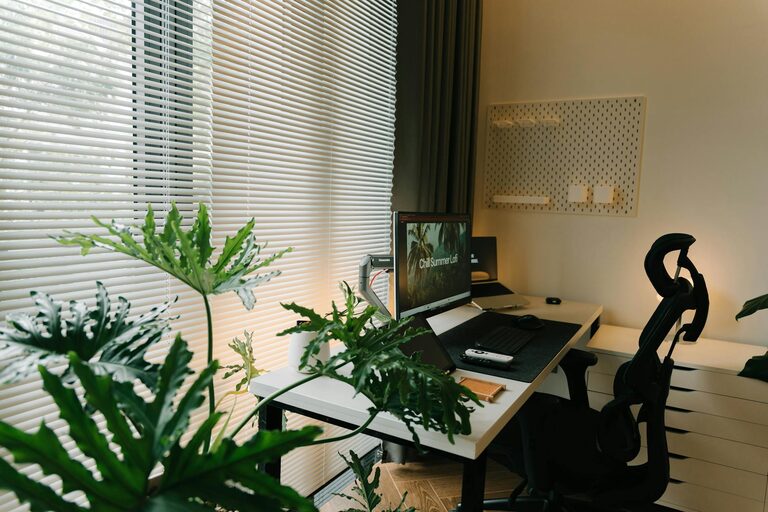
Creating a productive home office workspace is essential for anyone working remotely or running a business from home. A well-designed space can enhance focus, reduce distractions, and improve overall comfort, helping you get the most out of your workday. Here are practical tips to help you set up a home office that encourages productivity and balance.
Choose the Right Location
Selecting the right spot for your home office is the first step toward creating a productive workspace. Ideally, choose a quiet area away from high-traffic zones like the living room or kitchen. If possible, use a separate room with a door to minimize interruptions.
Consider natural light when choosing your location. A space near windows can improve mood and energy, but make sure it doesn’t cause glare on your computer screen.
Invest in Ergonomic Furniture
Comfort is key when you spend hours working at a desk. Invest in ergonomic furniture to support your posture and reduce strain.
– Chair: Look for an adjustable chair with good lumbar support and comfortable cushioning.
– Desk: Choose a desk at the right height for your body. Consider a standing desk or adjustable desk converter to switch between sitting and standing.
– Accessories: Use a keyboard and mouse that fit your hand size and reduce wrist strain. A monitor stand can help position your screen at eye level.
Keep Your Workspace Organized
A cluttered desk can distract you and make it hard to focus. Organize your workspace to keep essential items within reach while eliminating unnecessary distractions.
– Use drawers, shelves, or filing cabinets to store paperwork and supplies.
– Utilize desk organizers or trays for pens, notebooks, and other small items.
– Keep cables tidy with clips or sleeves to avoid tangled wires.
Optimize Lighting
Proper lighting reduces eye strain and increases alertness. Combine natural and artificial light to create a comfortable atmosphere.
– Position your desk to take advantage of daylight.
– Use task lighting such as a desk lamp with adjustable brightness for focused work.
– Avoid harsh overhead lights or dim rooms that can cause fatigue.
Minimize Distractions
Home environments often come with more distractions than traditional offices. Creating boundaries can help maintain focus during work hours.
– Inform family members or housemates of your work schedule.
– Use noise-canceling headphones or white noise machines to block out background noise.
– Disable non-work-related notifications on your devices.
Personalize Your Space
Adding personal touches to your office can make it more inviting and motivating.
– Decorate with plants, artwork, or photos that inspire you.
– Choose colors that promote calmness and focus, such as soft blues or greens.
– Keep a water bottle or healthy snacks nearby to stay hydrated and energized.
Establish a Routine
A dedicated workspace supports a healthy work routine. Set regular work hours and create a pre-work ritual to signal the start of the day.
– Begin with simple activities like making coffee or reviewing your to-do list.
– Take short breaks to stretch and rest your eyes every hour.
– End your workday by tidying your desk and planning tasks for tomorrow.
Use Technology Wisely
The right tools can streamline your tasks and keep you connected while working from home.
– Use productivity apps for task management and communication.
– Invest in a reliable internet connection and backup options.
– Set up your computer and software to minimize delays and frustrations.
By thoughtfully designing your home office workspace, you can create an environment that supports productivity, comfort, and well-being. Remember, the goal is to tailor the space to your needs and preferences, making work feel less like a chore and more like a productive and enjoyable part of your day.